
Built by Javapixa · debt-track.inpixa.my.id
Debt-Free MembersStarting With the Truth.
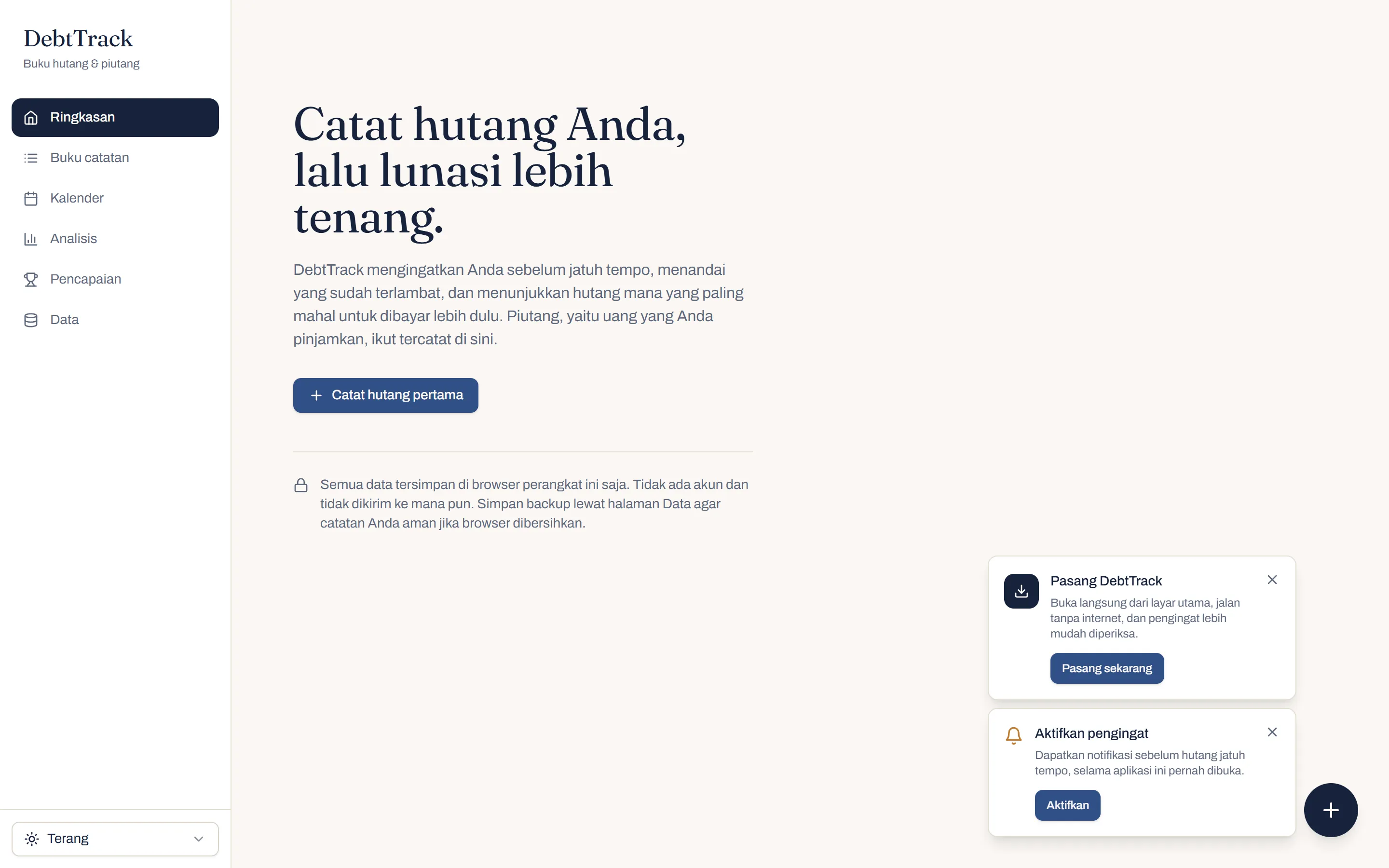
Pinjol and paylater hide their true cost. DebtTrack by Javapixa shows your members the real yearly rate and a clear way out of debt, under your brand.
What You Get
Built around how debt actually works in Indonesia.
Kartu kredit, paylater, pinjol, cicilan, KPR, or family loans: DebtTrack follows how each is quoted, so members finally see the real picture.
One Honest Number
Money owed and money lent sit in one ledger, so each member sees their true net position.
The Real Cost, Revealed
Any rate is annualised instantly: a pinjol at 0.4% per day reads as 146% per year.
A Plan to Get Debt-Free
Snowball and avalanche plans, simulated month by month, and honest when a budget can't keep up.
Installments Without Confusion
Each loan stays one row, with every installment's due date, payments, and reminder inside.
No More Surprise Due Dates
A reminder for every installment and a five-week due-date ribbon keep members ahead.
Data That Stays With the Member
Stored in the member's own browser, with backups and PDF, Excel, or CSV reports.
How to Get It
Get DebtTrack in 4 Steps
Skip building from scratch. Start from a product that already works, and make it yours.
- 01
Try the Live Demo
Explore DebtTrack yourself and see how it fits your organization.
- 02
Tell Us What You Need
Share your branding, the features you want, and how your organization works.
- 03
We Tailor It
We brand it for your organization, and can add member accounts, a counselor view, or a connection to your savings and loan records.
- 04
Launch Under Your Brand
We deploy it on your domain, with your name on it, and stay on hand after launch.
debt-track.inpixa.my.id
Give Your Members a Clear Way Out of Debt.
Launch DebtTrack under your brand, or tell us how you support members. Start with a free consultation; we reply within 24 hours.